

- Where local AI harnesses load context from automatically
- What you need to tell an agent about your Airflow environment before it starts writing Dags
- How to add the Airflow-specific skills that Astronomer maintains
- How to work with Otto, Astronomer’s data engineering agent
This guide covers local AI agent harnesses. For context engineering for deployed AI agents, see the AI Context Engineering with Apache Airflow® eBook.
Assumed knowledge
To get the most out of this guide, you should have:- A local Airflow environment. See Run Airflow locally.
- Basic familiarity with an AI coding agent harness, such as Claude Code or Cursor.
Auto-loaded context
Most AI harnesses read certain files automatically when a session starts, before you type a prompt:- Global instructions: A file at a fixed path that loads into every agent session on your computer, regardless of project. For Claude Code, this is
~/.claude/CLAUDE.mdby default. - Repository instructions: A file at the root of your project, read as soon as an agent starts there.
AGENTS.mdis a cross-harness standard for this. See agents.md for examples, andrulerto generate harness-specific config files from a singleAGENTS.md. - Tool and MCP descriptions: Available tool and MCP server descriptions load as soon as the harness starts, whether or not you use them. Each connected MCP server costs tokens for this reason, regardless of whether the agent calls any of its tools.
Context you provide
Auto-loaded files contain global or repository-level information. Everything specific to the Dag(s) you’re about to write you supply yourself, before instructing the agent to start writing the spec.- Your environment: Your Airflow version, provider versions, executor, worker queue setup, and similar information. Frontier models train on years of publicly available Dag code, and their training data contains far more Airflow 2 than Airflow 3 code. A generic coding agent without explicit instructions can write code that is incompatible with your version.
-
Documentation for anything recent: If your planned pipeline should use a feature added in a recent release, paste relevant sections of the Astro, Airflow, Airflow provider, and other package documentation into the prompt. Many websites have
llms.txtor “View as Markdown” options to make it easier for you to copy the information. For Airflow providers it often makes sense to let your agent query the Airflow Registry for details about provider packages. With the Astro CLI that’sastro api airflow, which you can add to your agent’s allowlist. See Restrict agent commands.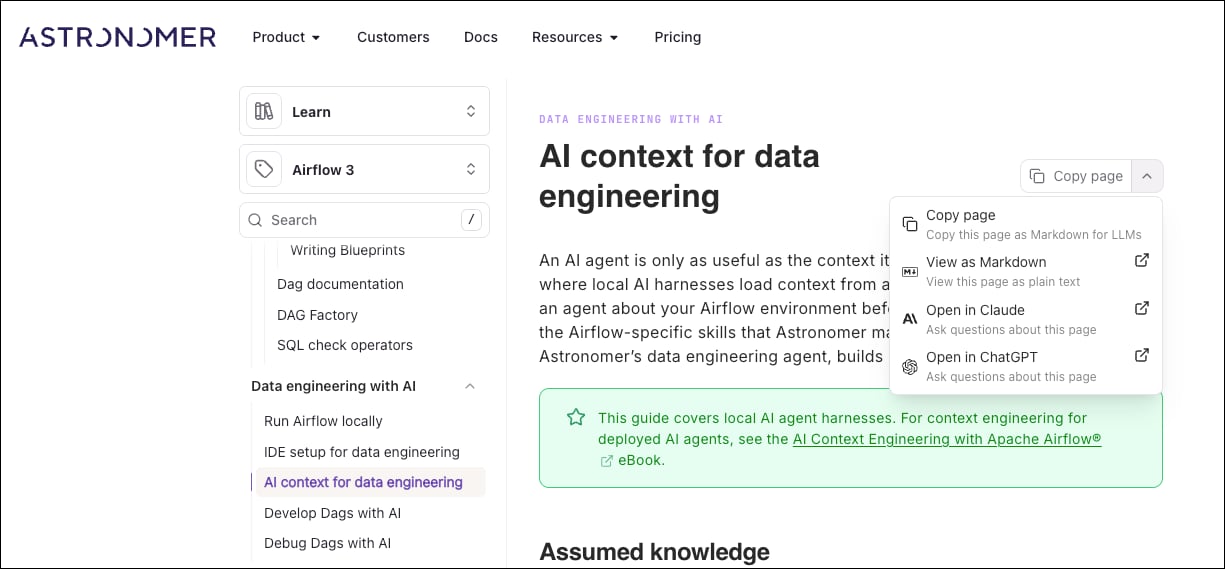
- A reference Dag: Keep a folder of golden records, reference Dags organized by use case or departments, depending on your organizational structure. If one or more of your planned Dags resembles a golden Dag, instruct your agent to inspect the reference Dag before writing the spec. Make sure to review your reference Dags periodically and update them with the latest Airflow features. Otto, Astronomer’s data engineering agent, already has context on the Dags in your environment and uses them for reference patterns.
Airflow-specific skills
Astronomer maintains the open-sourceastronomer/agents skills, covering Airflow operations, Dag authoring and testing, dbt, lineage, and data discovery.
For Claude Code:
Otto
LabsOtto is in Labs.
astronomer/agents skills, and adds specialized capabilities such as a proprietary compatibility knowledge base drawn from Astronomer’s experience running Airflow at scale. Otto can be used with the latest Anthropic and OpenAI models.
Use Otto to:
- Explore your Dags, Deployments, and data warehouse.
- Author and debug Dags: describe what you need, and let Otto write the spec and the Dags, while iteratively testing them in your local Airflow environment.
- Investigate production failures using task logs, run history, Astro Deployment configurations, and Dag source.
- Review pull requests, with inline comments and commit suggestions.
- Plan and execute Airflow upgrades against Astronomer’s compatibility knowledge base.
- Migrate workflows from legacy orchestration systems to Airflow on Astro.
astro otto from your project folder:
Delegate to Otto
Instead of running Otto interactively yourself, your AI coding harness can delegate Airflow-specific work directly to Otto, invokingastro otto in headless mode as a sub-agent and continuing after Otto returns a result. Ask your harness to use Otto, ask Otto, or delegate to Otto, and it hands off the task for you if it has access to the delegating-to-otto skill.
Headless invocation supports session continuity, permission modes, tool allowlists, model selection, structured output, and MCP configuration, so a harness can resume or reference a specific Otto session instead of starting fresh each time. See the astro otto reference for the full set of options.