

Setup
-
Open a browser and go to
kibana.BASEDOMAIN. - Click Menu in the upper left, click Stack Management, and then click Index Patterns.
-
In the Name field enter
fluentd.*and then click Create index pattern. Elasticsearch uses index patterns to organize how you explore data. Settingfluentd.*as the index means that Kibana will display all logs from all deployments (Astronomer usesfluentdto ship logs from pods to ElasticSearch). -
Enter
@timestampas theTime Filter.
Discover
After the index pattern is confirmed, theDiscover tab displays logs as they become available.
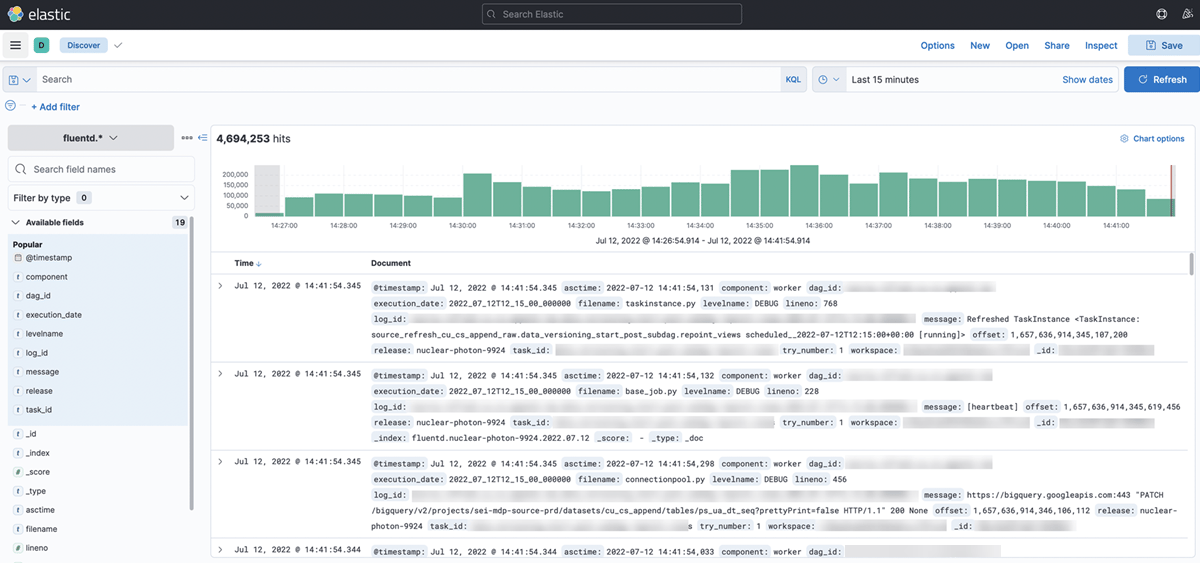
Dashboards
Custom dashboards can be created in theDashboard view.