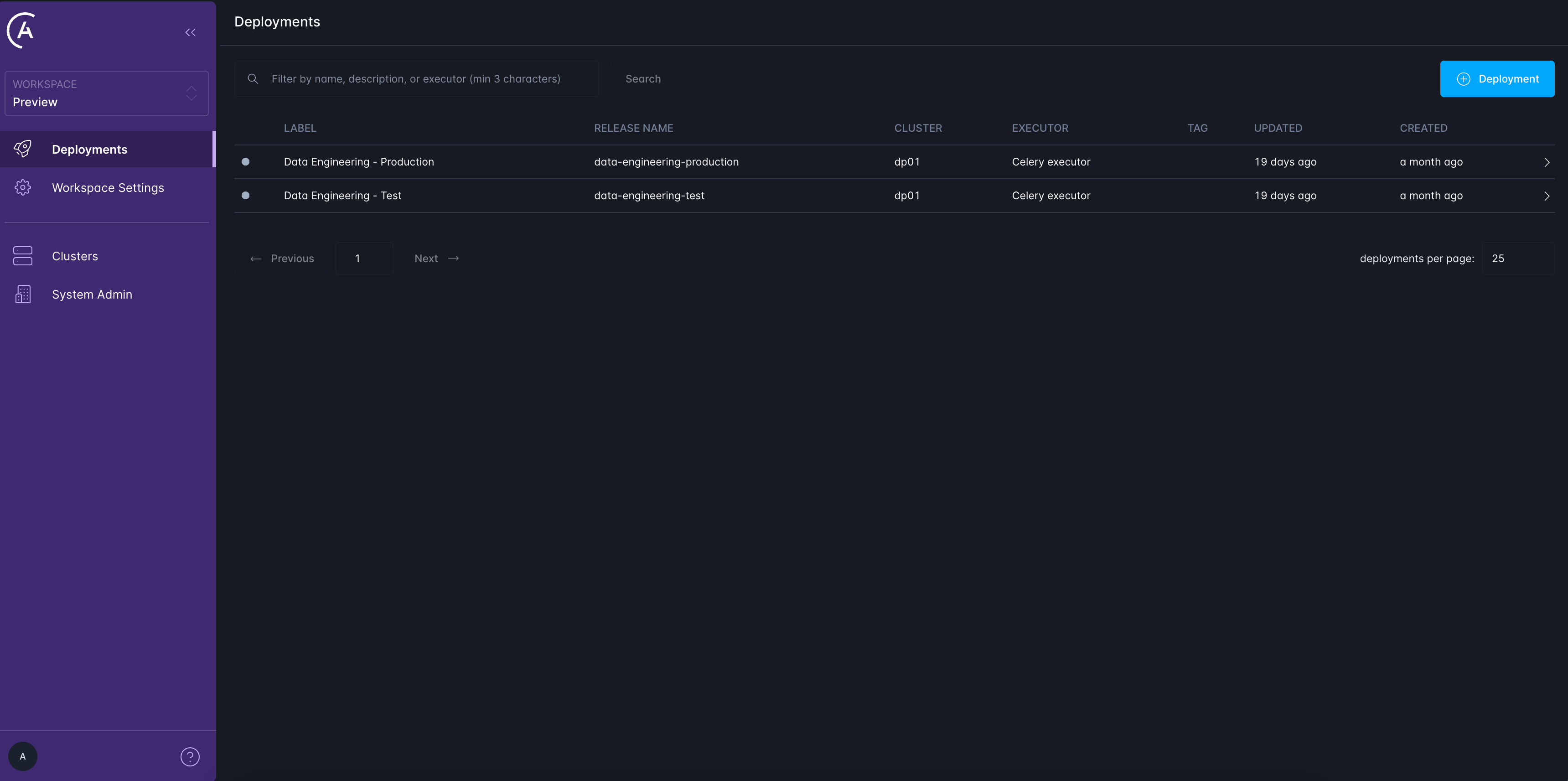
- The Control Plane (CP) hosts the Astro Private Cloud UI, API, and global services.
- A Cluster represents a Data Plane (DP) and is where Airflow Deployments are created and run.
- Each Workspace can span multiple Clusters, giving admins the flexibility to organize Deployments across environments such as dev, staging and production.
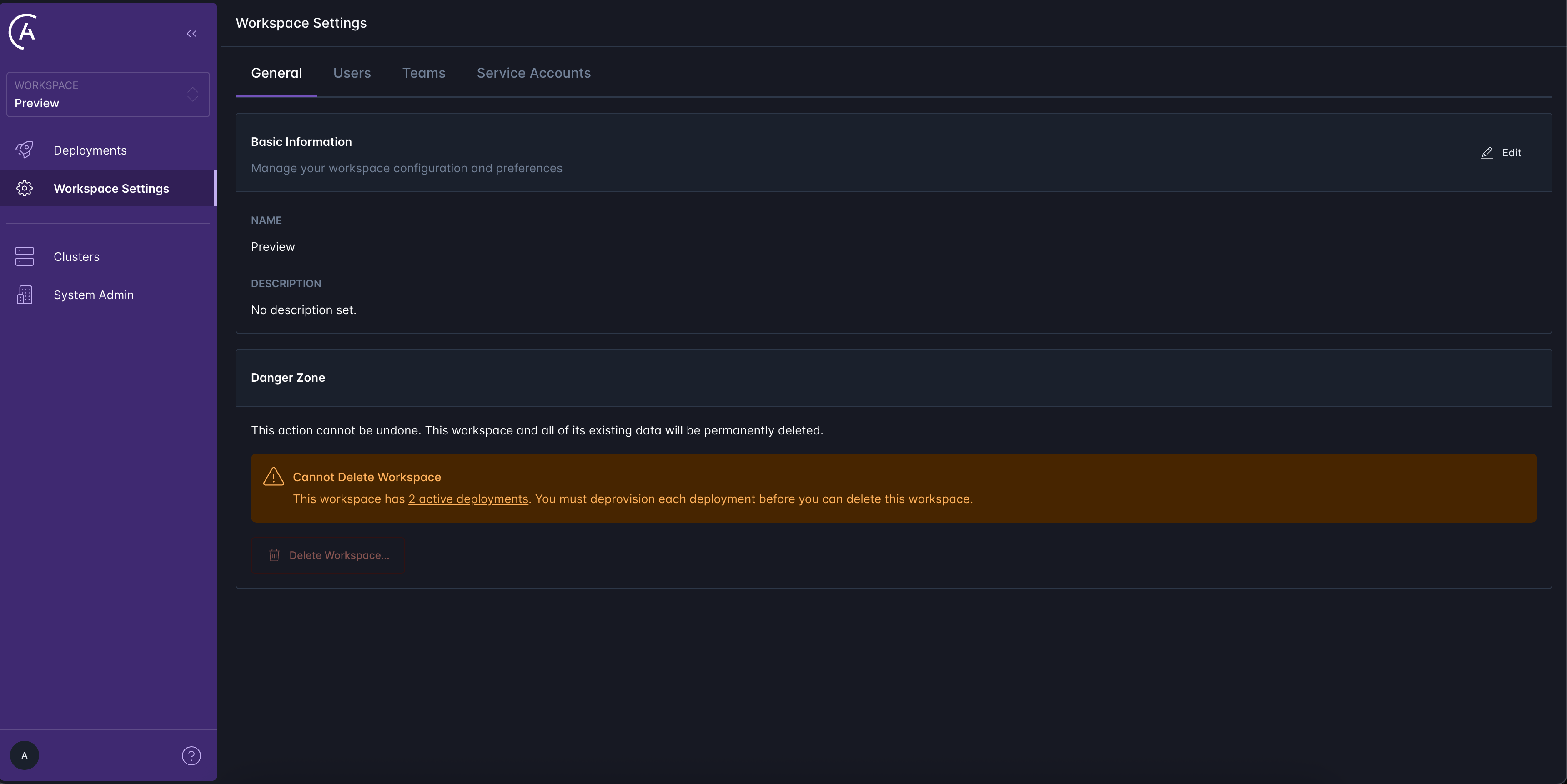
- Workspace Settings > General
- Workspace Settings > Users
- Workspace Settings > Teams
- Workspace Settings > Service Accounts
Deployments
The most important function of Workspaces is to create and manage access to one or more Clusters and their associated Airflow Deployments. An Airflow Deployment is an instance of Apache Airflow running within a Cluster (Data Plane). Each Deployment includes a scheduler, webserver, and one or more workers if you’re running the Celery or Kubernetes executors. To create a new Deployment, navigate to the Deployments tab in your Workspace and select the New Deployment button. You can also create Deployments using the Astro CLI as described in the CLI Quickstart