

Interpreting logs
This view gives you access to Deployment logs that help you monitor the health of your Deployment’s Airflow components. A few use cases:- See your scheduler, webserver, and workers all restart after you push
astro dev deploy - If your Airflow UI is not loading as expected - determine whether your webserver in a CrashLoop
- See how quickly your scheduler queues tasks
- Determine if your Celery worker behaves unexpectedly
These are not task-level logs that you can find in the Airflow Web UI. Logs on Astronomer are not a replacement for task-level logging in the Airflow UI.
Prerequisites
To view logs on Astronomer, you need:- Access to an Astronomer Software Installation
- A Deployment on Astronomer
View logs
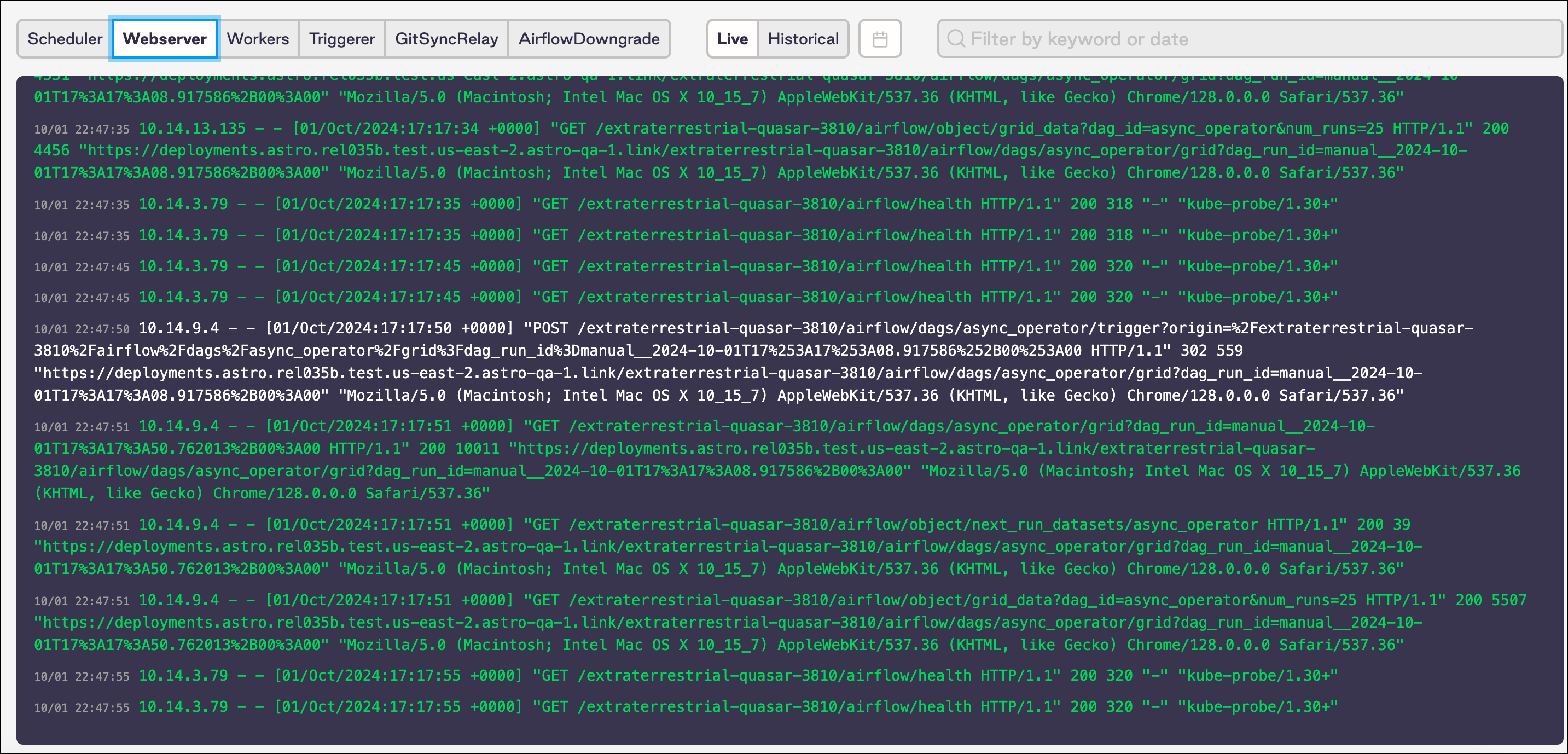
To view Airflow logs, log into Astronomer and navigate to: Deployment > Logs. Depending on your Software configuration, you might have different logging views available to you. If a view is not available, it means you do not have that functionality configured. In the menu, you can change views of logs for your:- Scheduler
- Webserver
- Workers
- Triggerer (Optional, but enabled by default)
- GitSyncRelay (Optional, visible with Git Sync deploys enabled)
- DAGServer (Optional, visible with DAG-only deploys enabled)
- AirflowDowngrade (Optional, visible with Deployment rollbacks enabled)
Filter by time/date
As you manage logs, you can filter by:- Past 5 minutes
- Past hour
- Today
- All time
Search logs
On Astronomer, you can search for logs with a text string or date.